PTT900 camera station
Smart
Docking
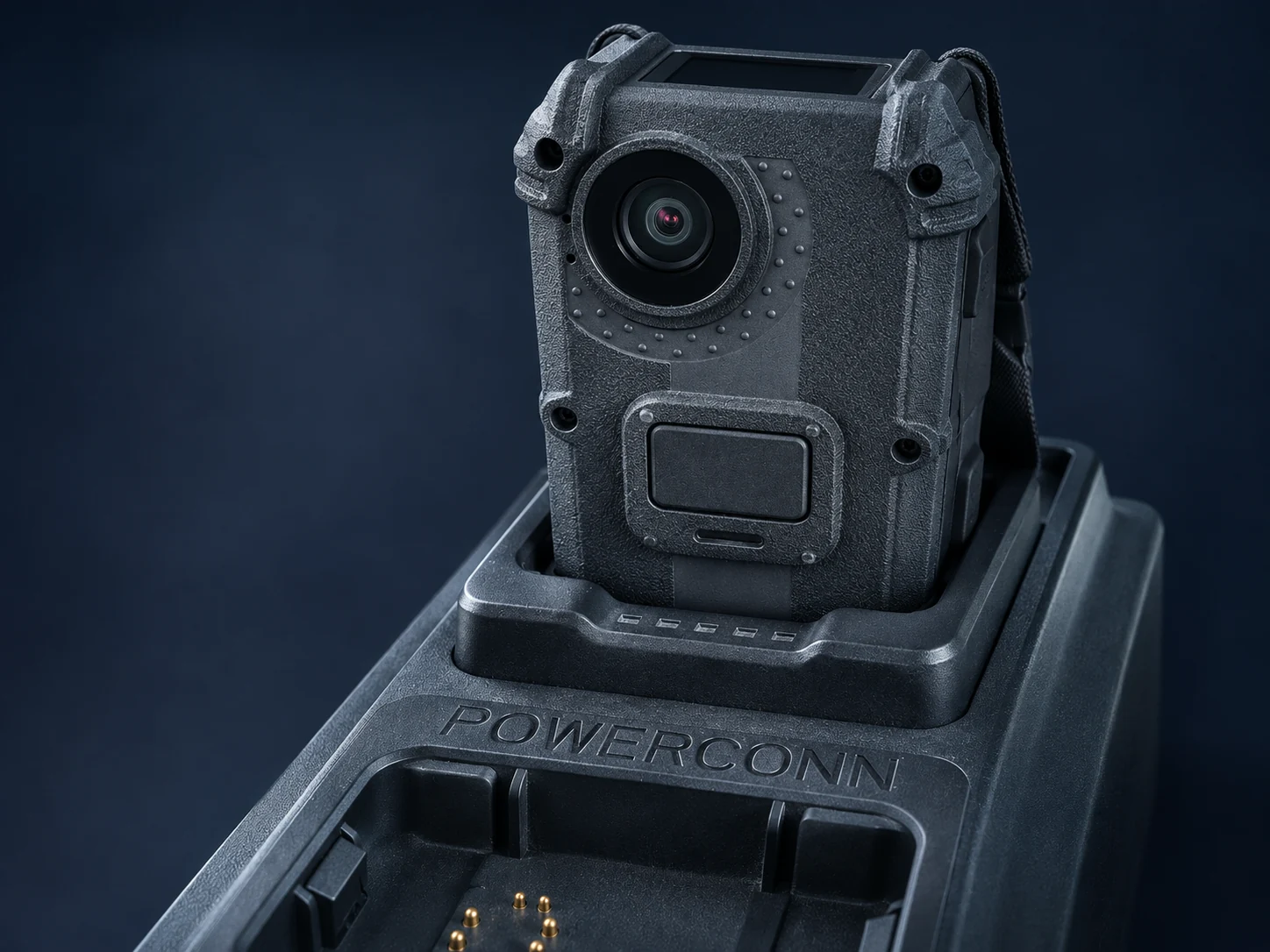
Assign PTT900 cameras at the start of a shift. Dock them on return for charging and recording transfer.
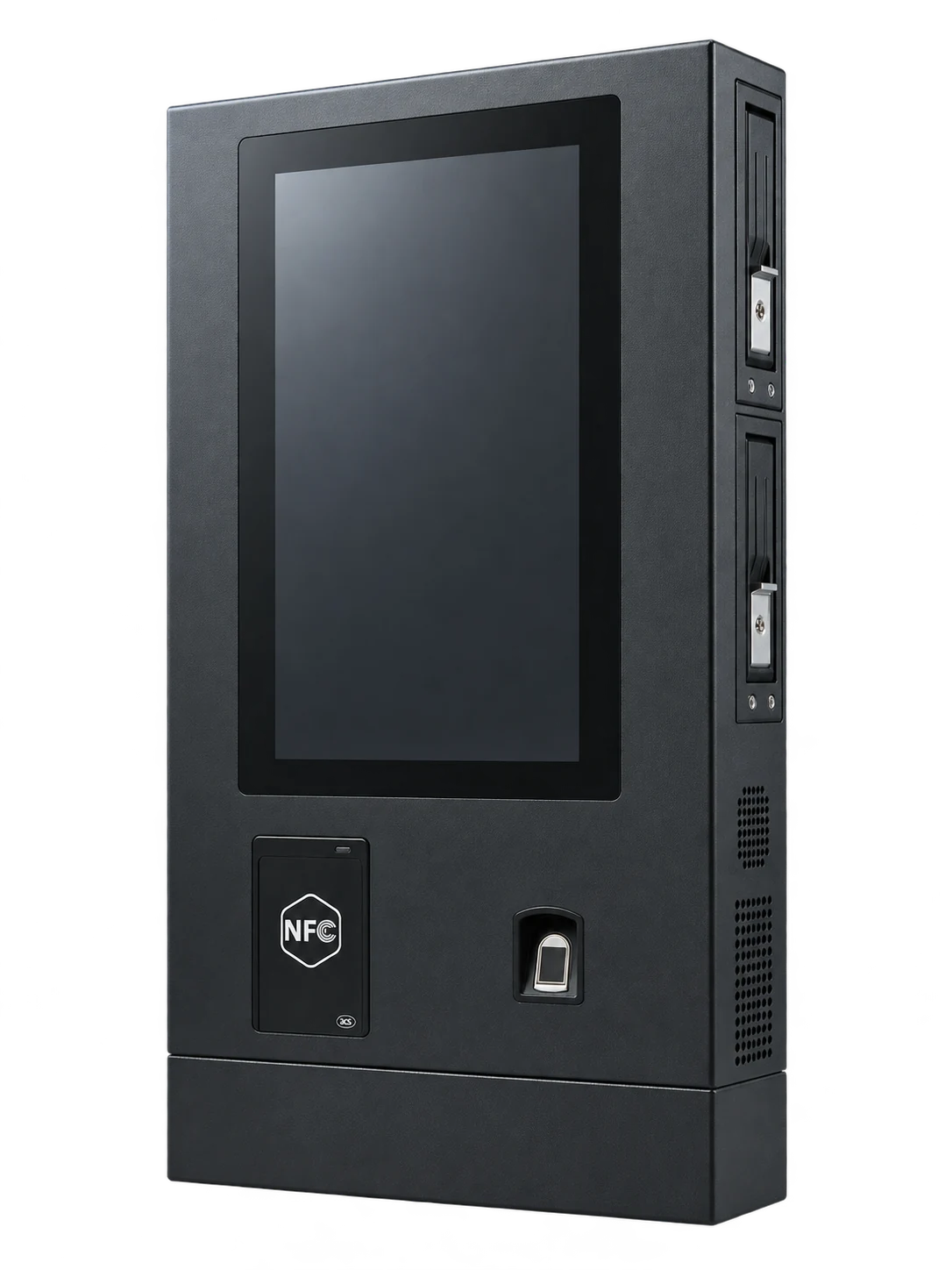
From one shift to the next.
- Assign
- Confirm which camera each officer takes out.
- Return
- Seat the camera in the tray for charging and recording transfer.
- Check
- Review transfer completion and readiness before reissuing the camera.
Make the station fit the site.
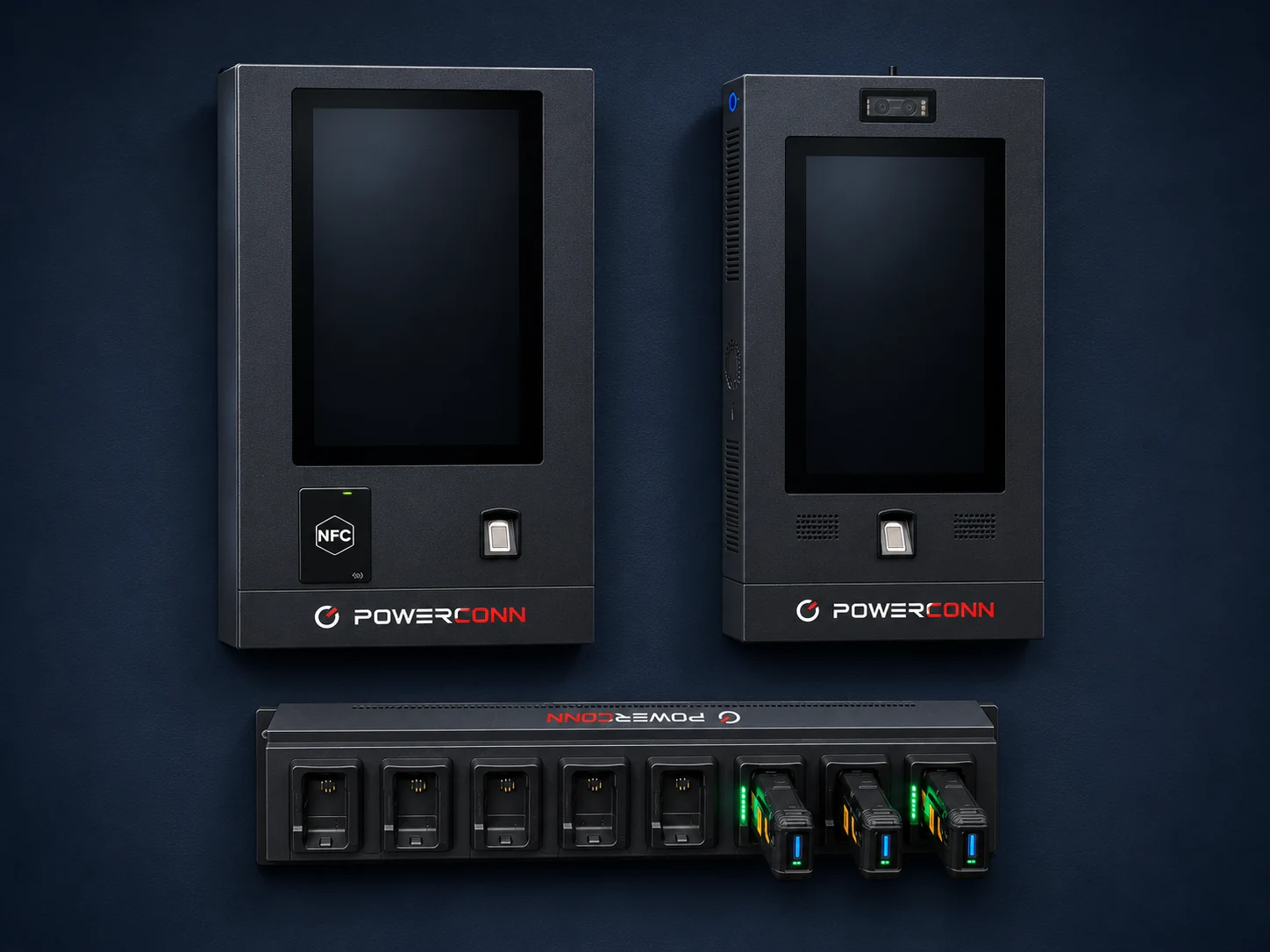
Start with camera count and shift overlap. Check the station location for power and network access, then confirm where recordings go and who handles exceptions.
Which station configuration is right for us?
Begin with the number of cameras, shift overlap and expected recording volume. Review available capacity, site requirements and the proposed station configuration with Powerconn.
What happens when a transfer is interrupted?
Ask to see how incomplete extraction is identified and recovered in the proposed workflow. Confirm the responsibility for checking completion before equipment is reissued.
How does the station connect to evidence management?
Follow a sample recording from return through ingestion and authorized review. Confirm the supported connection, the destination and the metadata retained along the way.
Bring your station
into the conversation.
See the solution. Discuss the fit. Shape the next step around your team.